

Published Feb 23, 2026
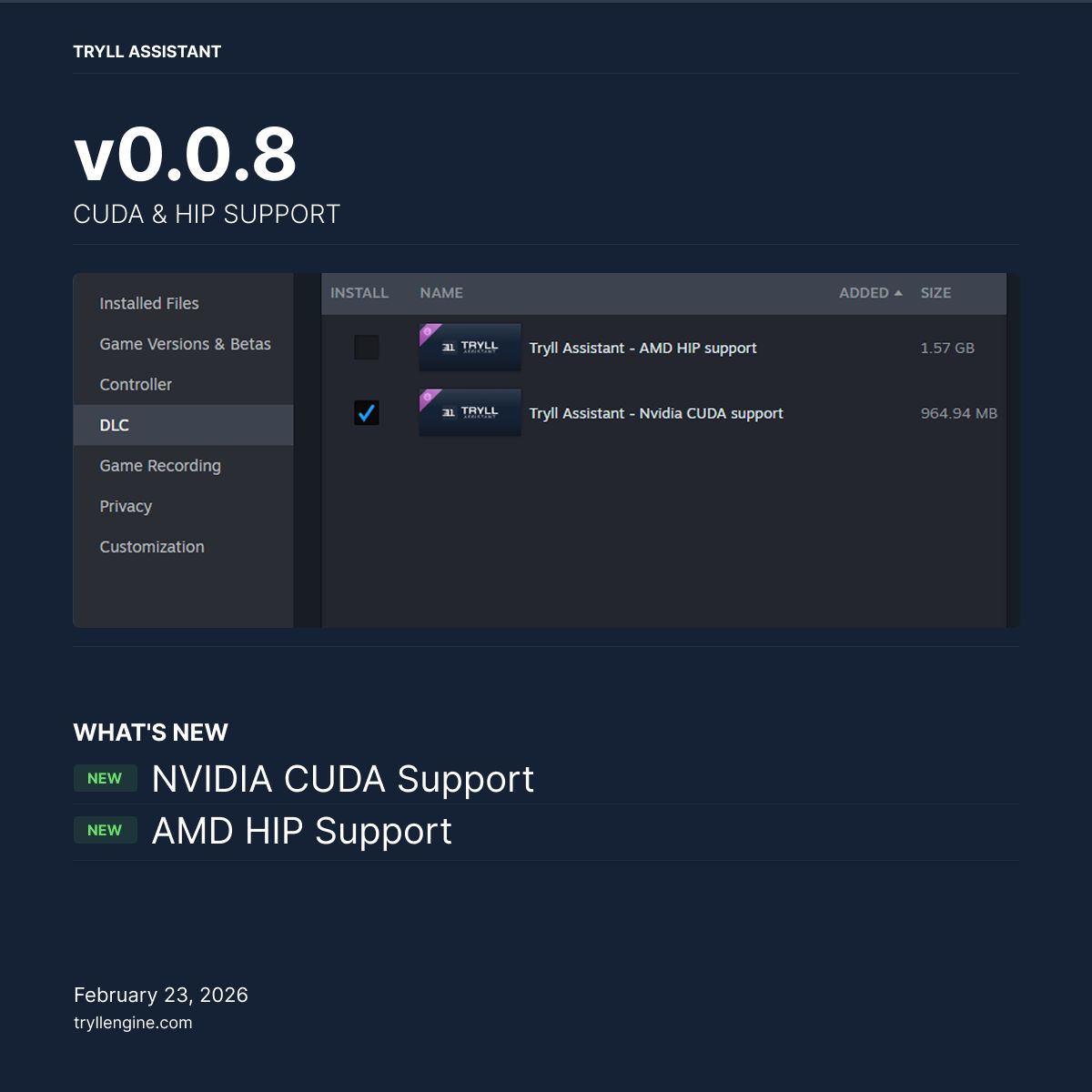
Tryll Assistant v0.0.8 is out, adding two new GPU backends alongside the existing Vulkan support: NVIDIA CUDA and AMD HIP.
What's New
NVIDIA CUDA Support
CUDA is NVIDIA's native compute platform, giving you direct access to GPU resources without the Vulkan translation layer. For NVIDIA GPUs, this means better driver-level compatibility and predictable performance across GeForce, RTX, and professional GPU lines.
AMD HIP Support
HIP is AMD's GPU compute platform, designed for RDNA and CDNA architectures. If you're running an RX 6000, RX 7000, or any recent AMD discrete GPU, the HIP backend is built for your hardware.
How to Get Them
Both backends are distributed as optional DLCs on Steam — they're not bundled in the base install to keep the download size reasonable.
To enable a backend:
- Open Tryll Assistant in your Steam library
- Go to DLC in the left sidebar
- Check the box next to the backend that matches your GPU
- Once downloaded, open Tryll Assistant Settings and select your preferred backend
The Vulkan backend remains the default and continues to work across all supported GPUs.
Which Backend Should I Use?
| GPU | Recommended Backend | |-----|-------------------| | NVIDIA GeForce / RTX | CUDA | | AMD Radeon RX 6000+ | HIP | | Intel Arc | Vulkan | | Mixed / unsure | Vulkan (default) |
If you're not sure which backend to pick, leave it on Vulkan — it works everywhere.
---
Download the update on Steam and let us know how the new backends perform on your setup.